

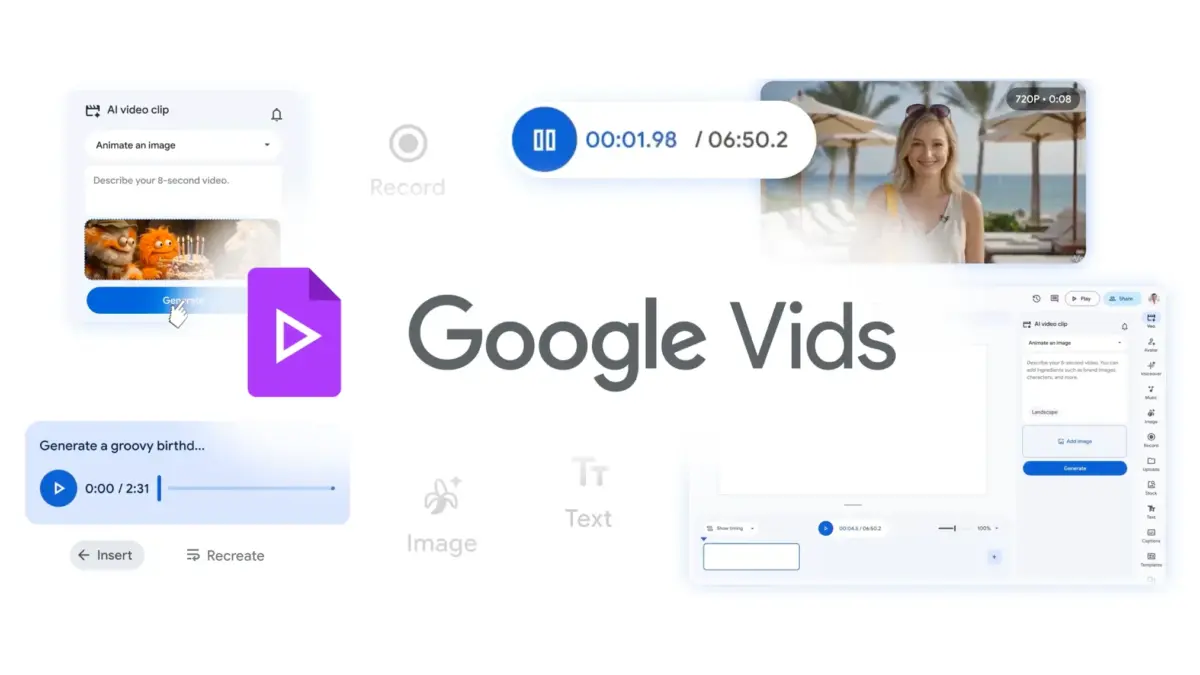
SAN FRANCISCO — In an era where digital communication relies heavily on fast-paced, highly engaging, and visually distinct video content, tech giant Google has announced a major update to its AI-powered video creation application, Google Vids. Moving far beyond the rigid constraints of standardized formatting, the platform now grants creators, marketing teams, and corporate communicators the ability to completely customize the appearance, positioning, and animation of video subtitles.
This enhancement marks a pivotal shift in how automated video production tools integrate brand identity. By breaking away from the one-size-fits-all model that has long characterized native captioning tools, Google Vids is empowering users to tailor every frame of their video output to match specific stylistic guidelines, aesthetic preferences, and audience expectations.
1. Main Facts: What is New in Google Vids?
The core of this update rests on creative freedom and granular design control. Previously, Google Vids applied a uniform, system-default style to all generated subtitles. While efficient, this limitation made it difficult for professional brands and independent creators to maintain visual consistency across their broader media ecosystems.
The newly deployed feature set introduces several critical editing capabilities:
- Typography Modification: Users are no longer restricted to a single system font. Creators can now select from a wide array of typefaces, adjust font weights, modify sizes, and alter text colors to match their brand guidelines or artistic vision.
- Spatial Positioning: Subtitles can now be moved dynamically across the screen. Whether content calls for traditional bottom-aligned text, top-tier placement for specific framing, or dynamic placement to avoid obscuring vital visual elements, users hold complete directional control.
- Dynamic Animations: To combat viewer fatigue and drive engagement, Google Vids now supports various text animations. These motion effects give subtitles a stronger visual presence, making them pop during high-energy segments, key transitions, or dramatic pauses.
- Immediate Availability: The rollout is simultaneous across rapid and scheduled release domains, eliminating wait times. Furthermore, the tool requires no backend configuration from workspace administrators, integrating seamlessly into existing workflows.
These additions bridge the gap between heavy-duty third-party editing software and rapid, AI-driven production suites, cementing Google Vids as a serious contender in the enterprise and creator economies.
2. Chronology: The Evolution of Google Vids and Captioning
To understand the significance of this update, it is essential to trace the timeline of Google Vids and the broader industry’s reckoning with video accessibility and design.
- The Rise of Silent Viewing Habits (Late 2010s – Early 2020s): Market research consistently demonstrated that a vast majority of social media users consume video content with the sound turned off, particularly on mobile devices in public spaces. Platforms like TikTok, Instagram, and LinkedIn made native, stylized captions a requirement rather than an afterthought.
- The Launch of Google Vids: Introduced as an innovative addition to the Google Workspace ecosystem, Google Vids leveraged generative artificial intelligence to help teams assemble draft videos, scripts, and storyboards rapidly. However, its early iterations maintained basic, utilitarian styling—particularly regarding text overlays and automated subtitles.
- User Feedback and Market Demands: As marketing teams and educational institutions adopted Google Vids for internal communications and external campaigns, feedback centralized around customization. Brand-conscious organizations expressed frustration at being unable to apply corporate fonts or dynamic text styling to match external-facing marketing assets.
- The Q4 Integration and Rollout: Google responded by engineering a deep architectural update to the platform’s rendering engine, decoupling subtitle generation from a hardcoded template. This culminated in the immediate, multi-tier rollout across consumer, enterprise, and educational Google Workspace editions.
3. Supporting Data and Platform Availability
Google’s deployment strategy for the new subtitle customization features is expansive, reflecting the widespread enterprise and educational adoption of Google Vids. Rather than gating the feature behind top-tier enterprise licenses or charging extra for add-ons, the tech company has integrated the capability across a staggering array of Workspace tiers.
Enterprise and Business Deployments
The update is instantly accessible to organizations utilizing:
- Business Editions: Business Starter, Business Standard, and Business Plus, alongside Business Base.
- Enterprise Editions: Enterprise Starter, Enterprise Standard, and Enterprise Plus.
- Frontline and Essentials: Frontline Workers and Google Vids Essentials plans.
- Small-to-Medium Businesses: Google AI Plus and Ultra consumption plans, as well as Google Workspace Individual subscribers and eligible Nonprofits.
Educational and Academic Ecosystems
Recognizing the vital role of video in modern pedagogy and remote learning, Google has also included the feature in educational offerings:
- Core Education Plans: Education Fundamentals, Education Standard, and Education Plus.
- Advanced Academic AI Tiers: Google AI Pro for Education and Teaching and Learning upgrades.
This wide distribution ensures that everyone from a solitary primary school educator crafting a lesson recap to a global marketing team deploying localized product announcements can immediately leverage the enhanced editing suite without undergoing cumbersome licensing upgrades.
4. Official Responses and Industry Context
While Google positioned the update as a practical tool for aesthetic alignment and accessibility, industry analysts see a clear strategic move to capture market share from specialized video editing platforms like Canva, CapCut, and Adobe Express.
In internal product briefs and update logs, Google representatives emphasized the dual nature of the upgrade: its practical utility in accessibility and its artistic value in brand storytelling.
"Subtitles are no longer just a functional fallback for when audio is muted; they are a critical canvas for brand identity and audience engagement," notes industry media tracking the Google Workspace ecosystem. "By granting granular control over typography and animation within Google Vids, Google is acknowledging that modern video production cannot afford to look generic."
Accessibility advocates have also praised the move. While styling and animations add flair, the fundamental ability to reposition text allows creators to ensure that captions never overlap with crucial visual information, maintaining high readability for viewers with hearing impairments or those consuming content in secondary languages.
Furthermore, marketing experts point out that consistent typography is a cornerstone of brand recognition. When an enterprise deploys internal training videos or external promotional material, every visual element—down to the subtitle font—reinforces corporate identity. The absence of these tools previously forced teams to export videos from Google Vids and import them into separate editing suites just to adjust caption aesthetics, a friction point that this update successfully eliminates.
5. Implications for Creators, Marketers, and Enterprises
The arrival of advanced subtitle customization in Google Vids carries profound implications across multiple professional sectors.
For Corporate Communications and Marketing Teams
Marketing departments operate under strict brand guidelines. Color palettes, typography hierarchies, and motion dynamics must remain uniform whether a consumer views a billboard, a website banner, or a short-form social media video.
With the new Google Vids capabilities, marketing teams can:
- Ensure brand typography remains consistent across all company-produced video content.
- Utilize dynamic animations to draw the viewer’s eye to key product benefits or calls to action displayed within the captions.
- Save valuable production hours by cutting out secondary editing phases, moving straight from Google Vids generation to publication-ready assets.
For Educators and Training Instructors
In educational settings, clarity and retention are paramount. Instructors using Google Vids to craft asynchronous lectures or training modules can now format text to maximize readability for diverse learning styles. Key vocabulary terms can be emphasized through distinct fonts or placement, helping students retain complex concepts even when reviewing materials in noisy environments or with audio disabled.
For Content Creators and Freelancers
Independent creators who rely on agile workflows will find that Google Vids’ updated captioning suite reduces their reliance on cumbersome, standalone desktop editors. By injecting stylistic personality directly into the platform’s AI-assisted pipeline, creators can produce polished, dynamic, and visually striking content for platforms like YouTube Shorts, LinkedIn, and X (formerly Twitter) with minimal friction.
Technical Integration and Ease of Use
Crucially, the feature requires no specialized technical training. Users simply access the native subtitle tools within Google Vids, where the newly unlocked parameters for font selection, coordinate placement, and motion effects reside. Coupled with Google’s comprehensive help documentation, the learning curve is virtually nonexistent.
Conclusion
Google Vids has evolved from a clever AI-assisted video drafting tool into a comprehensive production suite capable of meeting the stringent aesthetic demands of modern digital media. By listening to the demands of marketers, enterprises, and educators, Google has transformed subtitles from a static, compliance-driven accessibility feature into a dynamic element of brand storytelling and audience engagement.
As digital spaces continue to prioritize silent viewing and rapid consumption, the ability to control every visual pixel—from the main subject to the animated text on screen—will separate memorable content from digital noise. With this update, Google Vids ensures its users are well-equipped to make their voices seen, heard, and remembered.


Leave a Reply