

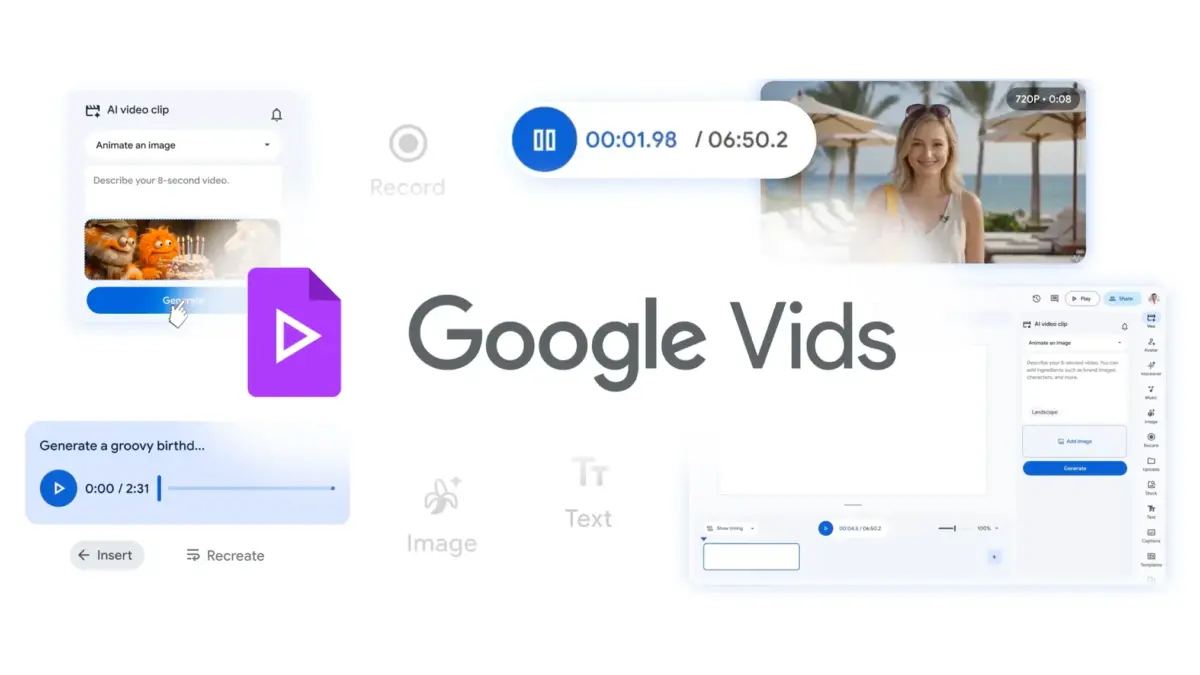
SAN FRANCISCO — In the fast-paced ecosystem of digital communication, the visual grammar of video content is constantly evolving. From the hyper-edited TikToks that dominate youth culture to polished corporate training modules, every pixel matters when capturing and retaining audience attention. Recognizing this demand for granular aesthetic control, Google has rolled out a significant update to Google Vids, its AI-powered video creation and editing application integrated within the Google Workspace suite.
The update shatters the long-standing limitation of uniform, one-size-fits-all captions, introducing robust customization options for subtitles. Content creators, marketing teams, educational institutions, and internal communications departments are no longer tethered to Google Vids’ default text styling. Instead, they can now tailor subtitles to match brand guidelines, enhance viewer engagement, and inject dynamic motion into otherwise static text overlays.
This comprehensive report breaks down the core features of the update, traces the chronological evolution of Google Vids, analyzes supporting data on the psychology of subtitled video, details official statements regarding accessibility and rollout, and explores the broader implications for the future of digital content creation.
1. Main Facts: What’s New in Google Vids
At its core, the latest update transforms subtitles from a mere compliance or accessibility feature into a core creative asset within Google Vids. Previously, users generating videos through the platform were forced to accept a rigid, standardized subtitle format. While functional, this lack of visual flexibility posed a hurdle for professional creators and brands striving to maintain a cohesive visual identity across all communication channels.
The new feature set grants users unprecedented command over the appearance, placement, and motion of text on screen. Specifically, the update introduces:
- Typography and Font Customization: Creators can now alter the font families, weights, and sizes of subtitles to align precisely with their corporate branding or artistic vision.
- Spatial Positioning: Users are no longer restricted to a fixed lower-third layout. Subtitles can be strategically placed anywhere on the screen to avoid obscuring vital visual elements, product demonstrations, or speaker faces.
- Dynamic Animations: To enhance visual rhythm and viewer retention, Google Vids now supports text animations. Creators can apply motion effects to make subtitles pop, fade, slide, or bounce into view during playback.
- Seamless Workspace Integration: The feature requires no complex administrative toggles or third-party plugins. It is integrated natively into the existing Google Vids editing workflow.
For marketing teams managing multi-channel campaigns, this means Instagram Reels, YouTube Shorts, and LinkedIn video posts can finally share the exact typography used in a brand’s landing pages and print materials. For educators, it means highlighting key vocabulary words with distinct colors or animations to aid student comprehension.
2. Chronology: The Evolution of Google Vids and the Push for Customization
To understand the significance of this subtitle update, it is essential to contextualize the timeline of Google Vids and its broader placement within the Google Workspace ecosystem.
- Early 2024 (The Announcement): Google formally introduced Google Vids as the newest core app within Google Workspace, joining Docs, Sheets, Slides, and Forms. Positioned as an AI-powered storytelling tool, Vids was designed to help users generate video storyboards, suggest scripts, select stock media, and assemble rough cuts with minimal friction.
- Mid-2024 (Initial Rollout & Feedback): As enterprise users, educators, and small business owners began adopting Google Vids for internal training, product launches, and social media campaigns, feedback quickly pointed to a few glaring limitations. While the AI generation tools were praised for speed, the lack of styling controls—particularly for text and subtitles—frustrated professional designers and branding specialists who required strict adherence to corporate style guides.
- Late 2024 (The Rise of Silent Viewing): Industry trends continued to show that an overwhelming majority of consumers watch videos on mobile devices with the sound turned off. Platforms placed mounting pressure on creators to deliver high-quality, heavily styled, and animated "open captions" that could convey a narrative without audio.
- The Present Update (Granular Subtitle Control): Responding directly to user demand and evolving market standards, Google deployed this comprehensive subtitle customization update. Rather than a total platform overhaul, this targeted feature drop addresses one of the most frequently requested editing capabilities, integrating advanced text manipulation directly into the application’s timeline.
3. Supporting Data: The Science of Subtitles and Viewer Retention
The decision by Google to prioritize subtitle customization is backed by a mountain of digital marketing and consumer behavior data. Subtitles are no longer viewed merely as an accommodation for the deaf and hard-of-hearing; they have become a foundational pillar of modern video consumption.
The Silent Viewing Phenomenon
Multiple studies conducted across major social platforms indicate that between 85% and 92% of users watch videos with the sound off when browsing in public spaces, offices, or late at night. Without captions, the vast majority of video content is skipped within the first three seconds.
Engagement and Comprehension Metrics
Data from digital media research firms reveals several key insights regarding captioned content:
- Higher Completion Rates: Videos featuring styled, easy-to-read captions experience an average increase of 40% in watch time compared to videos relying solely on audio tracks.
- Information Retention: Educational studies consistently show that text reinforcement improves comprehension and memory retention. When viewers both read and hear information, cognitive load is distributed, leading to better retention of key points—a vital metric for corporate training and educational videos produced in Google Vids.
- Brand Recognition: Consistency in typography builds brand equity. According to branding studies, uniform use of brand fonts and visual cues across all media formats increases brand recall by up to 23%. By allowing teams to apply custom fonts to subtitles, Google Vids ensures that even text-heavy videos reinforce brand identity.
4. Official Responses and Availability Matrix
Google has engineered this rollout to be frictionless, deploying the feature simultaneously across multiple subscription tiers without requiring administrative intervention.
Deployment and Administration
According to official deployment guidelines from Google Workspace updates:
- Release Tracks: The feature is live across both Rapid Release and Scheduled Release domains. Users can access the tools immediately without waiting for a staged rollout period.
- Admin Controls: Google has not implemented any specific administrator controls or mandatory pre-settings. The feature is activated automatically for all eligible accounts.
Comprehensive Eligibility Matrix
The subtitle customization feature is remarkably inclusive, spanning a wide array of Google Workspace editions, consumer plans, and educational tiers. Users operating under the following licenses can access the tools immediately:
- Business Editions: Google Workspace Business Starter, Business Standard, Business Plus, and Business Base.
- Enterprise Editions: Google Workspace Enterprise Starter, Enterprise Standard, and Enterprise Plus.
- Education Editions: Google Workspace Education Fundamentals, Education Standard, and Education Plus.
- Consumer & Specialized Plans: Google AI Plus, Google AI Ultra, Frontline, Essentials, Google Workspace Individual, and Nonprofits editions.
- Specialized Educational Tiers: Google AI Pro for Education and Teaching and Learning Upgrade.
How to Access the Feature
To utilize the new customization tools, users do not need to initiate a new project or download external software. Creators can access the controls directly within the Google Vids subtitle editing panel. Google has updated its official Help Center documentation to provide step-by-step guidance on manipulating font families, adjusting spatial coordinates on the canvas, and applying dynamic motion presets.
5. Implications: What This Means for Creators, Marketers, and the Future of AI Video
The introduction of advanced subtitle controls in Google Vids carries profound implications for various sectors of the digital economy.
Empowering Marketing Teams and Agencies
For marketing professionals, time is money. Historically, producing a polished, branded video required exporting raw footage from an editor, importing it into a specialized captioning software (like Adobe Premiere or specialized web apps), manually adjusting fonts and keyframing text animations, and re-exporting.
By centralizing this capability inside Google Vids, Google is positioning the platform as an end-to-end solution. Marketing teams can now draft a script with AI, generate visual storyboards, populate stock assets, and style dynamic, on-brand subtitles all within a single browser tab. This drastically reduces turnaround times for social media campaigns, allowing brands to capitalize on trending topics in real time.
Elevating Internal Communications and Corporate Culture
Enterprise organizations rely heavily on video for town halls, CEO updates, HR compliance training, and product announcements. Often, these internal videos are viewed by remote employees working in shared spaces or open-office environments where audio playback is impractical.
With the new customization tools, internal communications departments can ensure that corporate training videos look polished, professional, and aligned with company style guidelines. Furthermore, enhanced readability ensures that critical compliance information is not lost due to poor contrast or generic, unstyled text.
Transforming EdTech and Digital Classrooms
In the education sector, accessibility is a matter of equity. Students process information at different speeds and through various sensory modalities. By making it easier to customize subtitle appearance, educators using Google Vids can create instructional materials that accommodate students with reading difficulties, English language learners (ELL), and neurodivergent students who benefit from visual text reinforcement.
The inclusion of the feature in Education Fundamentals, Standard, Plus, and specialized AI educational tiers ensures that schools operating on tight budgets have access to professional-grade video editing tools without purchasing expensive third-party software.
The Broader AI Video Landscape
Google Vids entered a crowded market featuring established heavyweights like Canva, Adobe Express, Microsoft Clipchamp, and dedicated AI video generators like Runway and Synthesia. While many competitors offer text-to-video generation, Google’s unmatched integration with the Google Workspace ecosystem (pulling data directly from Google Docs, Drive, and Slides) gives it a structural advantage in enterprise and educational environments.
By continuously refining the micro-editing capabilities—such as this subtitle update—Google signals that Vids is not merely a novelty AI toy for generating quick drafts, but a serious, professional production tool capable of meeting the rigorous standards of modern digital media producers.
Conclusion
The evolution of Google Vids through the addition of advanced subtitle customization marks a quiet yet powerful milestone for the platform. By bridging the gap between automated AI generation and granular aesthetic control, Google has addressed a vital pain point for creators, marketers, and educators alike.
As digital content consumption continues to shift definitively toward mobile-first, sound-off viewing habits, the ability to effortlessly style, position, and animate text is no longer a luxury—it is a necessity. With these tools now live across nearly the entire Google Workspace spectrum, millions of users possess the power to produce more engaging, accessible, and visually stunning video content than ever before.


Leave a Reply